
Reference and troubleshooting
Troubleshooting
Controller, USB, map, location, touch and sensitivity problems.
Most problems fall into five buckets: the controller, USB permission, the map, location, or sensitivity. Work through the matching checklist before assuming the app is broken.
Controller not detected
- Power the RC 3 on before opening FPV Map.
- Use a data-capable USB-C cable; try a known-good cable.
- Try a different OTG adapter and confirm the phone supports USB host mode.
- Open Setup → Connection and tap Refresh.
- Unplug, power-cycle the controller, reconnect.
USB permission or cable issue
- If Android does not show a permission prompt, disconnect and reconnect.
- Check that another app is not holding the USB device.
- Restart the phone if the USB stack is stuck.
- Test the same cable with a file transfer to confirm it carries data.
Touch controls missing or unresponsive
- The virtual sticks disappear when an RC 3 is connected; that is expected.
- If the map loading scrim is visible, wait for it to clear; it swallows touches.
- Close the pen toolbar or a dialog that may be capturing input.
- Make sure you are dragging inside the stick circle.
Map stays flat or detailed buildings do not appear
- Wait for the 3D mesh to stream; the first frame is often flat.
- Check coverage. The Financial District is covered; some cities are terrain-only.
- If the scene is steady below 100%, that is a coverage limit, not a loading stall.
- Try a different known-covered area to distinguish coverage from a rendering fault.
Location permission problems
- Grant location permission in Android settings if you want current-location anchoring.
- Search a place instead; it does not need location permission.
- Tap Use my location in Fly Location to retry.
Map fails to load or remains blank
- Check the network connection and Google Play services.
- Wait for the progress card; use Continue anyway after 15 seconds only if you accept a partial scene.
- Use the manual retry rather than repeatedly recreating the view.
- Restart the app if the renderer is stuck; a failed native map can persist until the process restarts.
Controls feel too sensitive
- Switch to Normal mode.
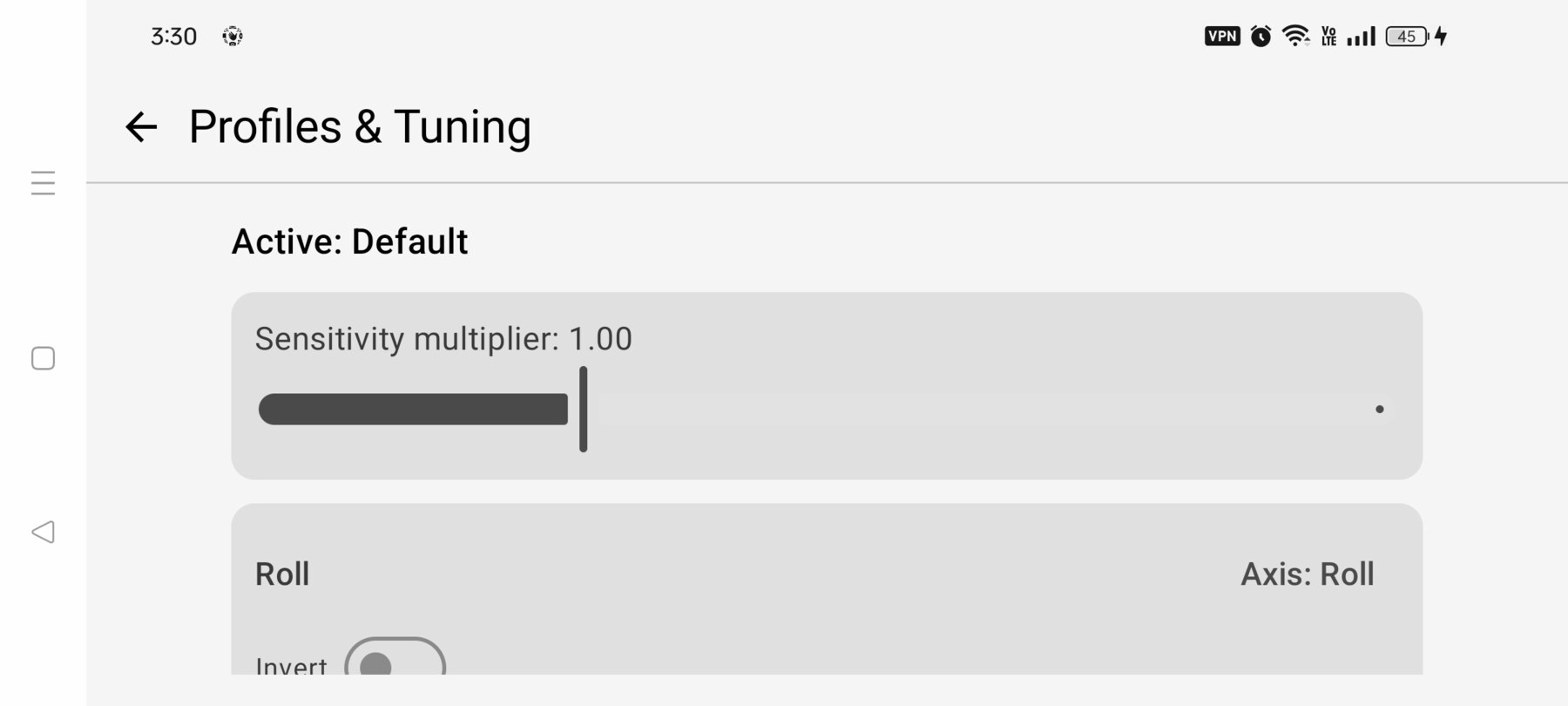
- Open Setup → Profiles and increase deadband or reduce sensitivity/expo.
- Recalibrate if one axis reaches full deflection too early.
- Shorten your inputs rather than fighting the stick.
Buttons do not match the labels
- Open Setup → Controller buttons and relearn the front-panel controls.
- Firmware changes can move HID bits; learning is authoritative.
- The C1/C2 rocker is unassigned in the current build.
App limitations and known issues
- Only one phone model has been tested (OPPO CPH2457, Android 14).
- Only the DJI Avata 2 + RC 3 combination is validated.
- Manual rates and thrust are implementation assumptions, not measured DJI values.
- Reverse flight and the camera dial mapping remain on the tuning backlog.
- 3D coverage is limited to Google's meshed areas.
Where to report a bug
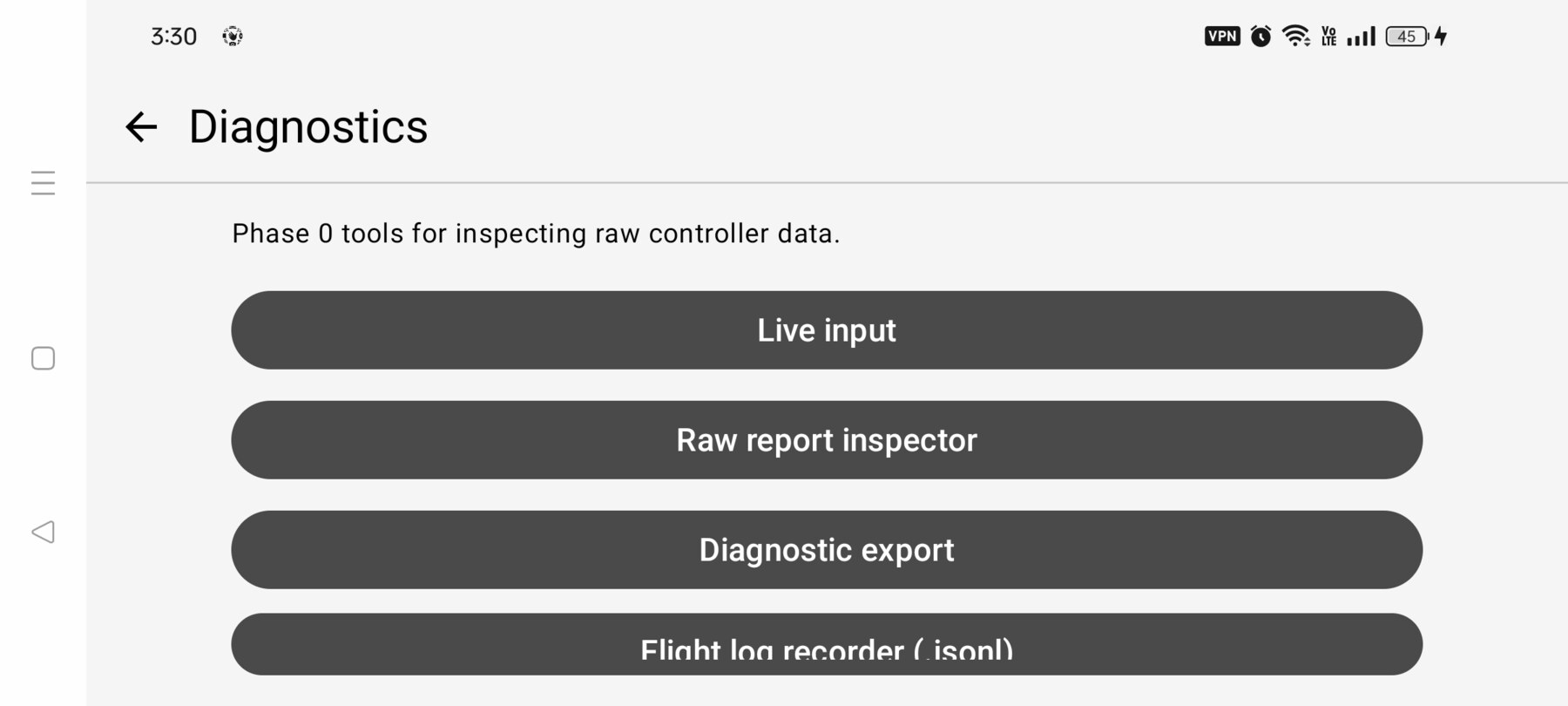
Email [email protected] with the app version, phone model, Android version, controller, what you expected and what happened. If possible, include a Diagnostics → Diagnostic export file and the exact steps to reproduce. Never include personal notifications or private location details in a screenshot.
Related guides
About the screenshots
Every screenshot and demo in this documentation was captured in FPV Map over the Transamerica Pyramid and the Financial District, San Francisco.
FPV Map is a simulator. It never sends commands to an aircraft, and virtual rehearsal is not a substitute for legal checks, a site survey or safe piloting.
Found a mistake or something that no longer matches the app? Report it.