
Documentation
Explore places.
Learn to fly.
Design the shot.
FPV Map is a virtual flying-camera experience for Android. Read a real DJI RC 3, fly over photorealistic Google Maps 3D, and rehearse a shot before you ever put an aircraft in the air.
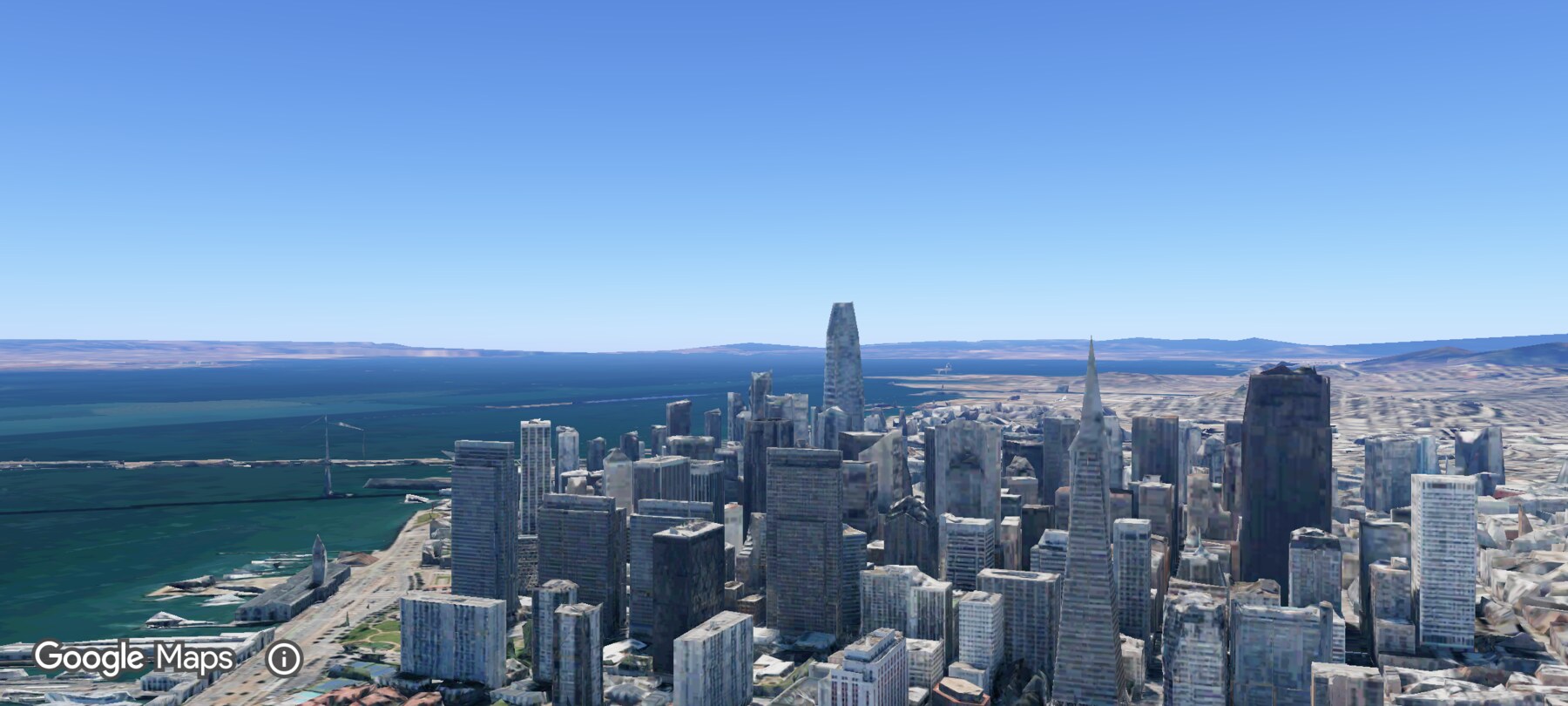
Demo location for every screenshot: Transamerica Pyramid and the Financial District, San Francisco.
Start with your goal
What do you want to do?
You do not have to read this in order. Pick the outcome that matches the job in front of you.
Popular guides
The pages pilots use most
Your first five minutes
Open the app, anchor the map to a real place, and make your first controlled movement.
6 min read
Mode 2 at a glance
Throttle, yaw, pitch and roll — with an exercise for each axis.
10 min read
The establishing shot
Introduce the Financial District before the main subject.
8 min read
The orbit
Keep a subject framed while moving around it at a steady radius.
9 min read
Build a shot from an idea
Scout the Financial District, choose a move, fly it, and document it.
10 min read
Write a one-page shot brief
A template your pilot, director or editor can actually use.
7 min read
Before you install
Compatibility at a glance
- Android 8.0+ (API 26), arm64-v8a, with Google Play services.
- DJI FPV Remote Controller 3 over USB-C/OTG is the validated controller. The app reads it; it never controls an aircraft.
- No controller? The on-screen virtual sticks still fly the virtual drone.
- Maps 3D coverage is limited. 3D terrain is broad; photoreal buildings exist only in meshed areas. The Financial District is covered.
Read this first
Virtual rehearsal is not flight training
FPV Map is a simulator. It does not certify you to fly, does not validate airspace or permissions, and does not model wind, obstacles, GPS reliability, battery behaviour or the exact output of a real camera.
Use it to learn the controls, explore a place and communicate a shot idea. Then do the legal, safety and site checks that a real flight requires.
What FPV Map does not do →All documentation
Understand the app
Learn the controls
Learn cinematic flying
Composition and storytelling
Build a shot from an idea
Events and production
FPV Map and Earth Studio
Advanced techniques
Reference and troubleshooting