
Events and production
Plan an event shot
Previsualize an approach, reveal or pull-away before you arrive.
Previsualizing an event shot is about arriving with a plan: where the camera starts, what it reveals, how the venue reads from the air, and what could go wrong.
Why previsualize?
- You can test an approach, reveal or pull-away without people, equipment or airspace risk.
- You can show the idea to a client, venue or safety team before the shoot.
- You can identify the best visual anchors and discard weak angles early.
- You can write a shot list that matches the event schedule.
Plan a venue establishing shot
- Search the venue or the nearest landmark.
- Fly wide enough to show the venue in context: access roads, surrounding buildings, open space.
- Choose a horizon placement that gives the venue room in the frame.
- Add a slow push-in or pull-away, then capture the start and end poses in a shot.
Plan an approach or reveal
- Find a foreground object that can hide the stage or entrance.
- Start behind it and move laterally or forward until the subject appears.
- Time the reveal to the event beat, not just the flight path.
- Record the movement instruction and the intended pace in the shot.
Plan a follow/track shot along a route
Choose a road, path or coastline and fly parallel to it at a constant height. Keep the subject in the same part of the frame. Note the start and end points in the brief so the pilot can repeat the line on site.
Build a shot list
A multi-shot sequence needs variety and a reason for each shot. Use the shot list guide to turn one location into establish, approach, detail and exit.
On-site reality check
- Airspace and local rules — verify before you fly.
- Permissions — venue, council, private land, people and recording consent.
- Obstacles — wires, cranes, trees, buildings, crowds.
- Wind and visibility — the sim does not model either in a way you can trust.
- Battery and time — plan for the real aircraft's endurance.
- Safe distances — the virtual camera can pass through geometry; a real one cannot.
What FPV Map cannot validate
Why this works
Previsualization moves creative decisions earlier, when they are cheap to change. The on-site team spends its limited time executing a known idea instead of discovering one under pressure.
Common mistakes
- Planning only the hero shot. Build coverage: establish, approach, detail, exit.
- Ignoring the event schedule. The light and the crowd change minute by minute.
- Treating the sim as a site survey. It is not; visit or verify the real location.
Related guides
About the screenshots
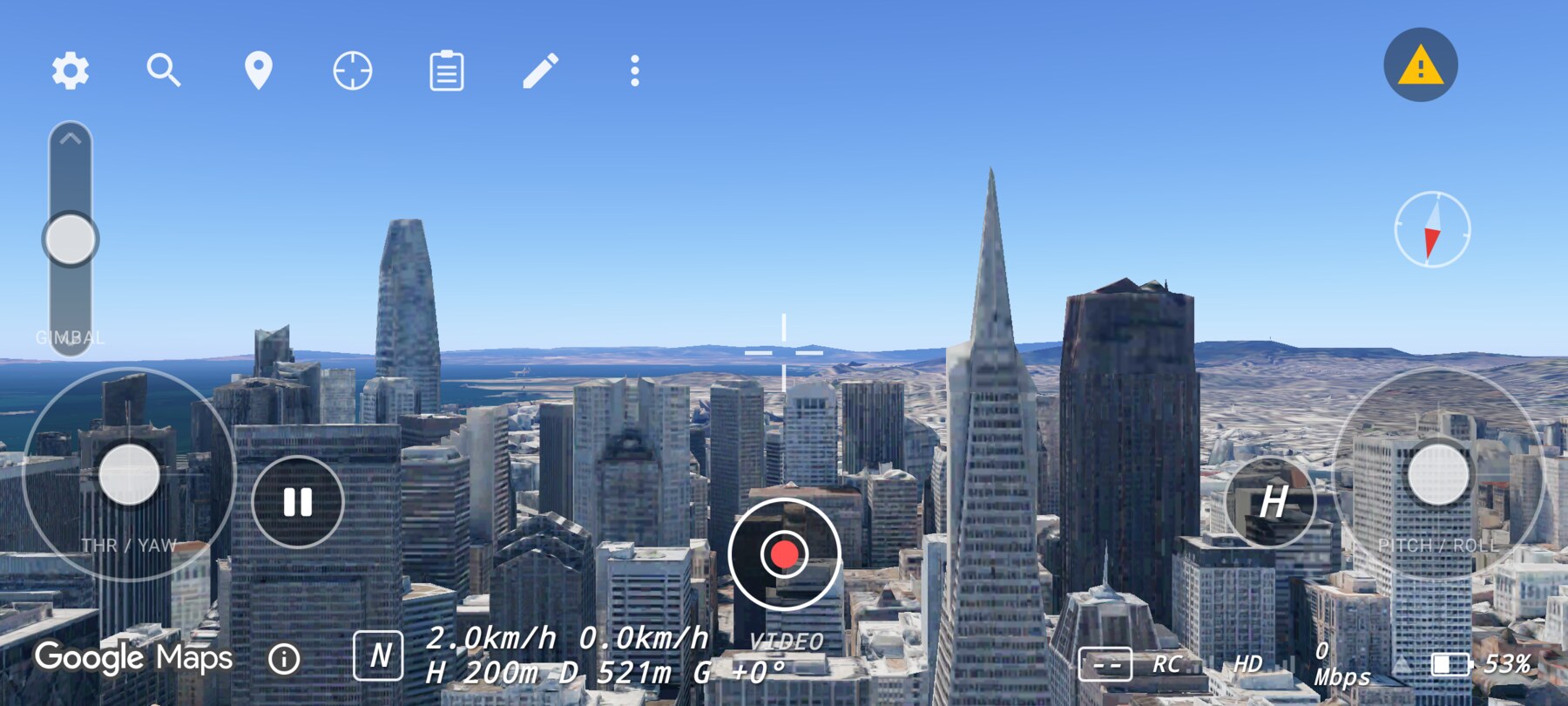
Every screenshot and demo in this documentation was captured in FPV Map over the Transamerica Pyramid and the Financial District, San Francisco.
FPV Map is a simulator. It never sends commands to an aircraft, and virtual rehearsal is not a substitute for legal checks, a site survey or safe piloting.
Found a mistake or something that no longer matches the app? Report it.