
Learn cinematic flying
The reveal
Start behind an obstruction and uncover the subject.
A reveal withholds the subject, then uncovers it. The movement creates curiosity; the frame change satisfies it.
You'll need
A foreground object and enough space to move around it.
What you'll learn
- Use a building or ridge as a foreground obstruction.
- Time the reveal so the subject appears at the right moment.
- Avoid revealing too early or too late.
Goal
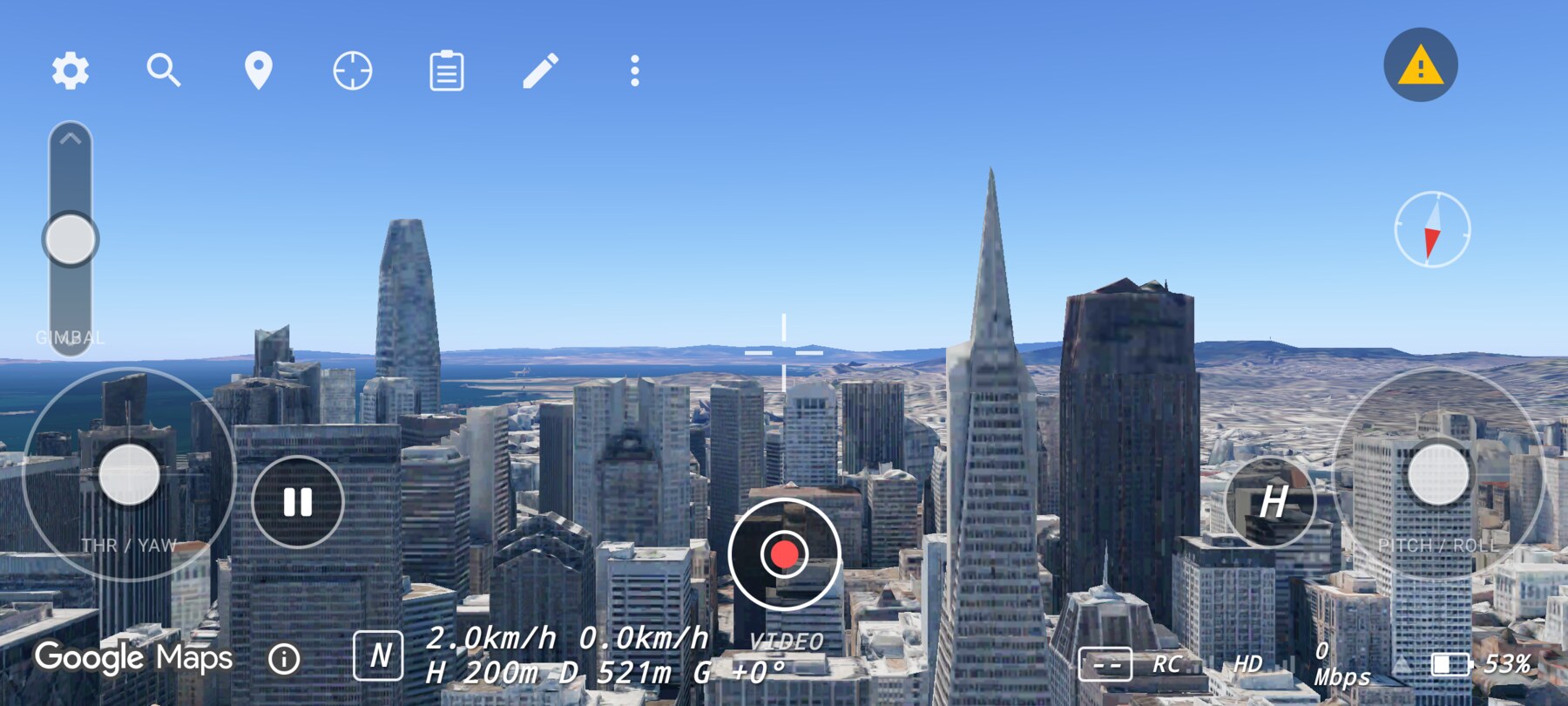
Start with the pyramid hidden behind a nearer building or hill, then move sideways or forward until it enters the frame.
Step by step
- Find a foreground object that can hide the pyramid from your starting position.
- Hold a hover and confirm the subject is genuinely hidden, not just small.
- Add a slow roll or yaw to move the camera around the obstruction.
- Stop the movement just after the subject is fully revealed.
- Hold the final frame for at least two seconds.
Why this works
The viewer's attention follows change. Hiding the subject creates a question; revealing it answers the question. The pause after the reveal lets the answer land.
Common mistakes
- Revealing too early. If the subject is visible from the first frame, there is no reveal.
- Moving past the reveal. Stop when the subject is clear; do not keep travelling.
- Using a foreground that is too small. A thin pole does not hide a skyline.
Try it yourself
Find two positions where a nearer tower hides the pyramid. Fly between them with a slow sideways move. Success is a frame where the pyramid appears only in the final third of the clip.
Related guides
About the screenshots
Every screenshot and demo in this documentation was captured in FPV Map over the Transamerica Pyramid and the Financial District, San Francisco.
FPV Map is a simulator. It never sends commands to an aircraft, and virtual rehearsal is not a substitute for legal checks, a site survey or safe piloting.
Found a mistake or something that no longer matches the app? Report it.