
Learn cinematic flying
Push in and pull away
The two simplest ways to change emphasis in a shot.
A push-in adds emphasis; a pull-away adds context. They are the same move in opposite directions, and they are the first camera moves most pilots learn.
You'll need
Normal mode and a clear subject.
What you'll learn
- Push in without overshooting the subject.
- Pull away to reveal scale or isolation.
- Choose which direction the story needs.
Push in
- Start with the subject small but clearly identifiable.
- Add a gentle forward pitch.
- Reduce the input halfway through; do not hold full stick to the end.
- Release and let the drone settle on the final frame.
The subject should grow in the frame, but the move should decelerate. A push-in that stops abruptly reads as a collision.
Pull away
- Start close enough that the subject fills a meaningful part of the frame.
- Add a small backward pitch.
- Release before the subject becomes too small.
- Hold the final wide frame.
A pull-away is useful when the story needs to move from a detail to the place around it. Ending on a wide frame gives the editor a natural place to cut.
Which one?
| Want to… | Use |
|---|---|
| Make the viewer focus on a detail | Push in |
| Explain where the subject sits | Pull away |
| End a sequence on scale | Pull away |
| Begin a sequence with a question | Push in |
Why this works
Changing the subject's size changes its importance relative to the frame. A push-in makes the subject dominate; a pull-away makes the environment dominate. The direction should match the sentence the shot is supporting.
Common mistakes
- Overshooting the endpoint. Ease off before the final frame.
- Pulling away into empty sky. Keep enough city in the frame to preserve context.
- Starting too close for a push-in. There is nowhere for the subject to grow.
Try it yourself
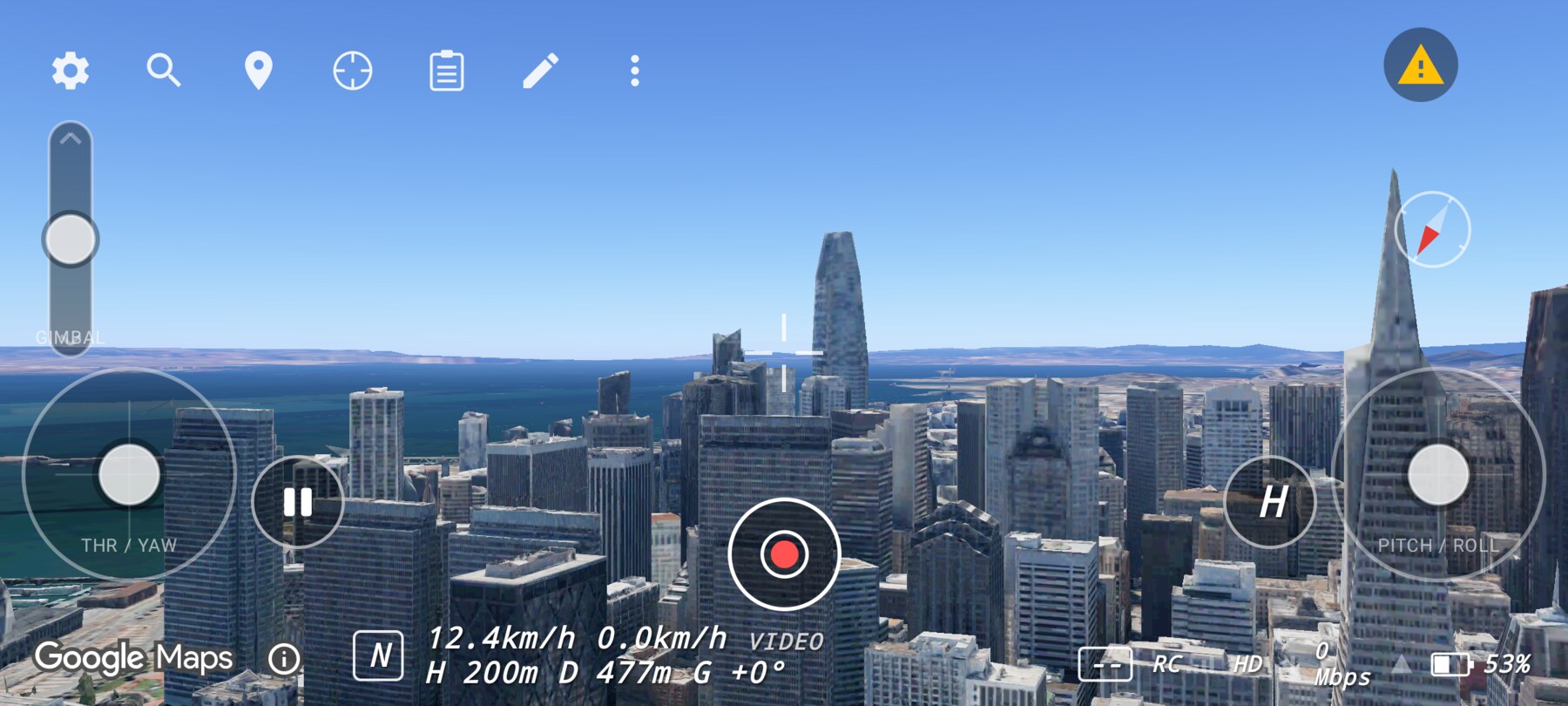
Fly one push-in and one pull-away over the pyramid. Match each to a one-sentence story beat. Success is a move that stops on a frame you would actually use.
Related guides
About the screenshots
Every screenshot and demo in this documentation was captured in FPV Map over the Transamerica Pyramid and the Financial District, San Francisco.
FPV Map is a simulator. It never sends commands to an aircraft, and virtual rehearsal is not a substitute for legal checks, a site survey or safe piloting.
Found a mistake or something that no longer matches the app? Report it.