
Learn cinematic flying
Common cinematic mistakes
The six habits that make a virtual flight look amateur.
Most amateur-looking virtual flights share the same handful of habits. Fixing them is usually faster than learning a new move.
1. Excessive speed
Fast movement feels exciting for the pilot and chaotic for the viewer. Slow down; the city has more than enough detail to hold attention.
2. Abrupt yaw
Snapping the view from one subject to another reads as a camera whip. Lead with a slow yaw and let the frame settle.
3. Unclear subject
If you cannot name the subject in one word, the viewer cannot either. Pick one thing and build the frame around it.
4. No visual beginning or end
A shot that starts and stops mid-motion is hard to edit. Hold the first and last frames for a beat.
5. Unnecessary movement
Movement should add information. If a static frame communicates the idea better, do not move.
6. Poor framing
A horizon through the middle, a subject pressed against the edge, or a tower clipped by the frame all weaken an otherwise good move. Check the frame before you add motion.
Why these mistakes happen
The pilot sees the whole scene and the stick input; the viewer sees only the frame. That gap makes speed, corrections and small drifts feel much larger on screen than they do in the moment.
Try it yourself
Record a thirty-second flight and watch it back with the sound off. Pause on the first frame and the last frame. If either is weak, the shot needs a different start or end, not more movement.
Related guides
About the screenshots
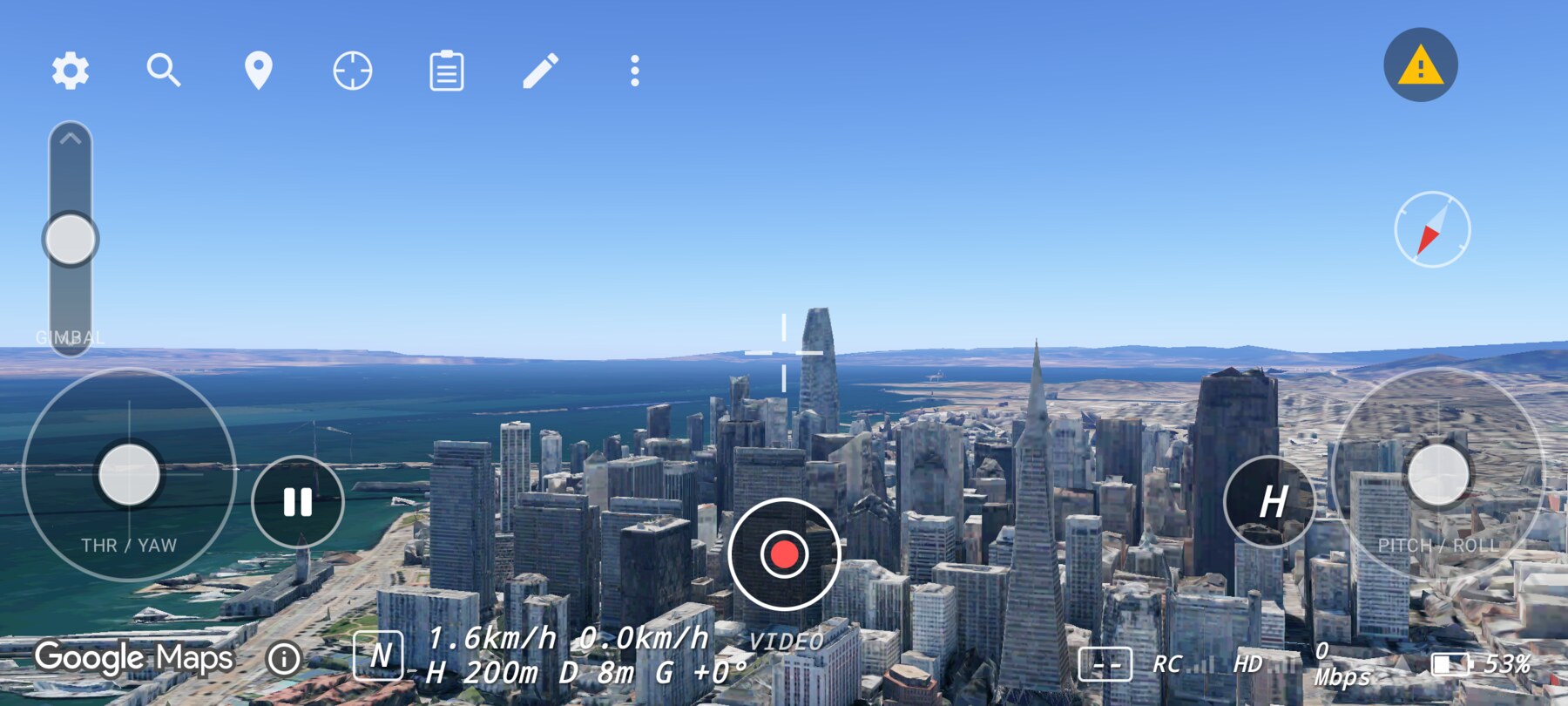
Every screenshot and demo in this documentation was captured in FPV Map over the Transamerica Pyramid and the Financial District, San Francisco.
FPV Map is a simulator. It never sends commands to an aircraft, and virtual rehearsal is not a substitute for legal checks, a site survey or safe piloting.
Found a mistake or something that no longer matches the app? Report it.