
Understand the app
Map loading, location and 3D coverage
Why the map starts flat, how the anchor works, and where photoreal buildings exist.
The world is a live Google Maps 3D scene anchored to a real coordinate. Understanding the anchor and the coverage limits explains most of the “why does it look like that?” questions.
The anchor
The map is anchored either to the phone's current location or to a place you search. The anchor defines the spawn point: every world starts at 200 m above the anchor, looking north.
- Current location requires location permission. If permission is unavailable, the app falls back rather than failing silently.
- Searched place does not need location permission. It needs network access.
- Use my location in Fly Location returns the anchor to the phone.
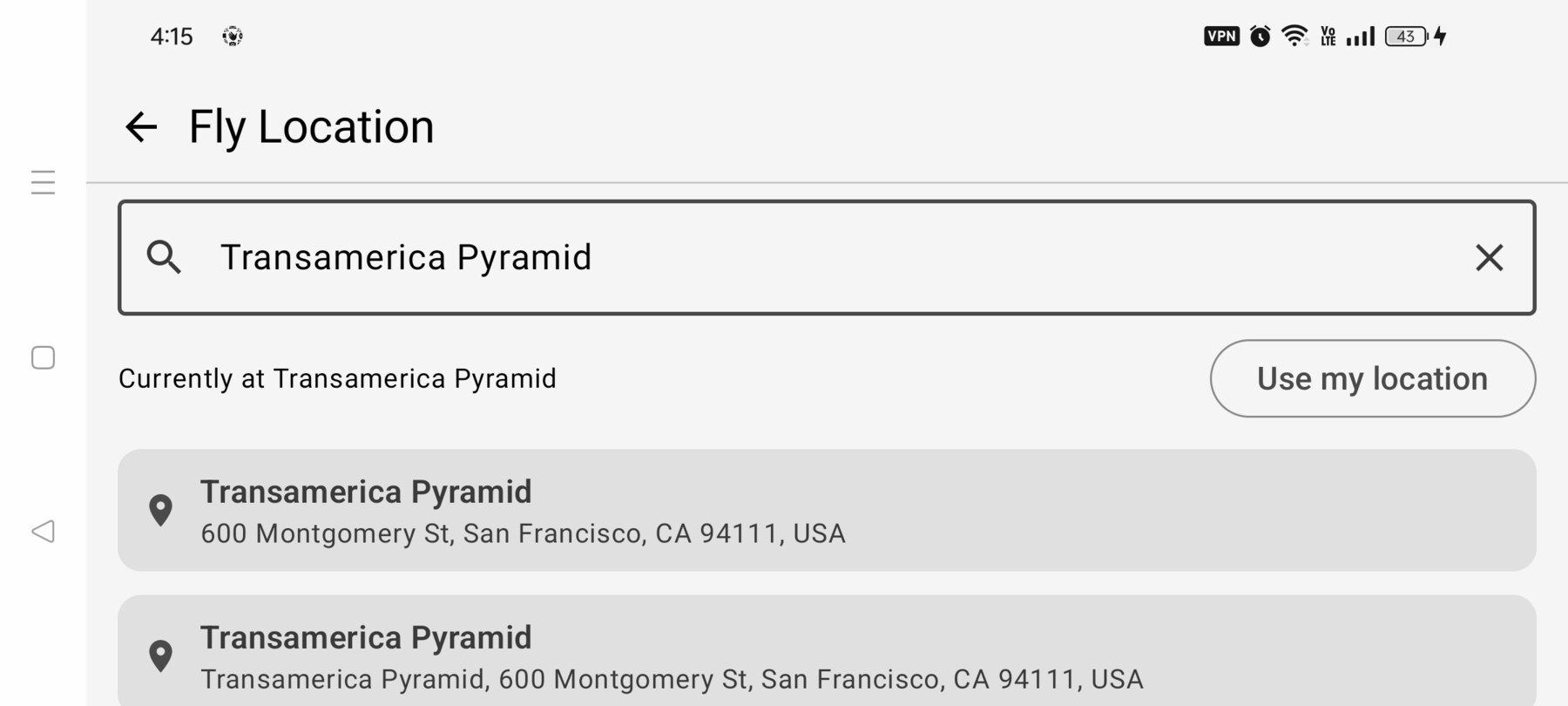
Changing the anchor
A search relocation resets the sim to the new spawn. It also restarts the map loading gate, because the scene has to stream a new area. This is why the progress card can reappear after a search.
A shot that is more than 5 km from the current anchor relocates the anchor when you load it, rather than trying to fly there.
Cold start and streaming
The Maps 3D SDK starts at a globe and streams detail in. The app hides that behind a progress card until the scene reports itself ready, with a settle interval and a two-second floor. After 15 seconds the card offers Continue anyway; it stops waiting at 45 seconds.
While flying, if the renderer is actively streaming, the sim pauses behind a “Loading 3D terrain” card. A steady scene below 100% is a coverage limit, not a stall, so it does not pause.
Photoreal coverage
Google provides 3D terrain worldwide, but photorealistic building surfaces only exist in meshed areas. The Financial District and the Transamerica Pyramid are covered. In the Philippines, coverage is limited to Cebu City and Davao; Metro Manila may appear flat.
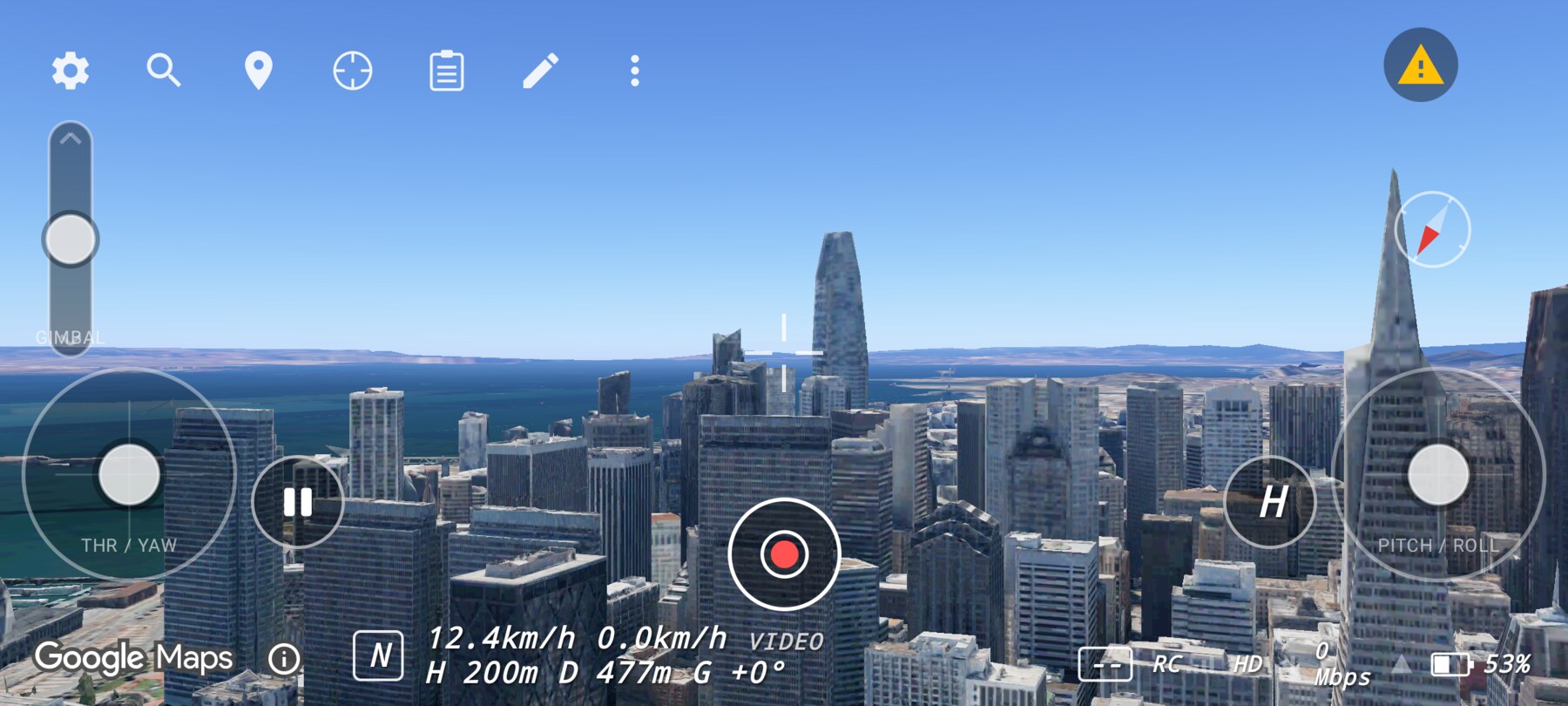
A flat render is not always a bug
Place names and basemap modes
The sim uses the satellite basemap so POI icons and labels do not clutter the OSD. The place-names button switches to a hybrid mode with street and city labels, then reverts to satellite after 10 minutes because the label imagery streams more data.
Metered loads
Maps 3D loads are billed by Google. The app treats map loads as an operating cost: it caps automatic initialisation retries at three, stops retrying while backgrounded, and asks for a manual retry after that. Recreating the map view unnecessarily is expensive in both time and money.
Why one map instance
Only one Map3DView may be active at a time. The app keeps it alive under every screen, so
opening Settings or a plan does not replay the globe cold start or discard the streamed scene. This is a
product decision, not just an implementation detail.
Related guides
About the screenshots
Every screenshot and demo in this documentation was captured in FPV Map over the Transamerica Pyramid and the Financial District, San Francisco.
FPV Map is a simulator. It never sends commands to an aircraft, and virtual rehearsal is not a substitute for legal checks, a site survey or safe piloting.
Found a mistake or something that no longer matches the app? Report it.