Plug-and-fly controller
The DJI FPV Remote Controller 3 enumerates over USB-C OTG and streams one 13-byte HID report at about 198 Hz. Connect, grant permission, fly.
FPV Map turns Android into an FPV simulator for the controller you already own. Plug in a supported remote, open Google’s photorealistic 3D map, and fly over actual streets, rooftops and coastlines — no aircraft required. DJI Avata 2 + RC 3 is supported today.
Features
Built around real drone controllers, not a generic gamepad. The DJI Avata 2 and RC 3 are the first validated combination; more controllers are being added as they are tested.
The DJI FPV Remote Controller 3 enumerates over USB-C OTG and streams one 13-byte HID report at about 198 Hz. Connect, grant permission, fly.
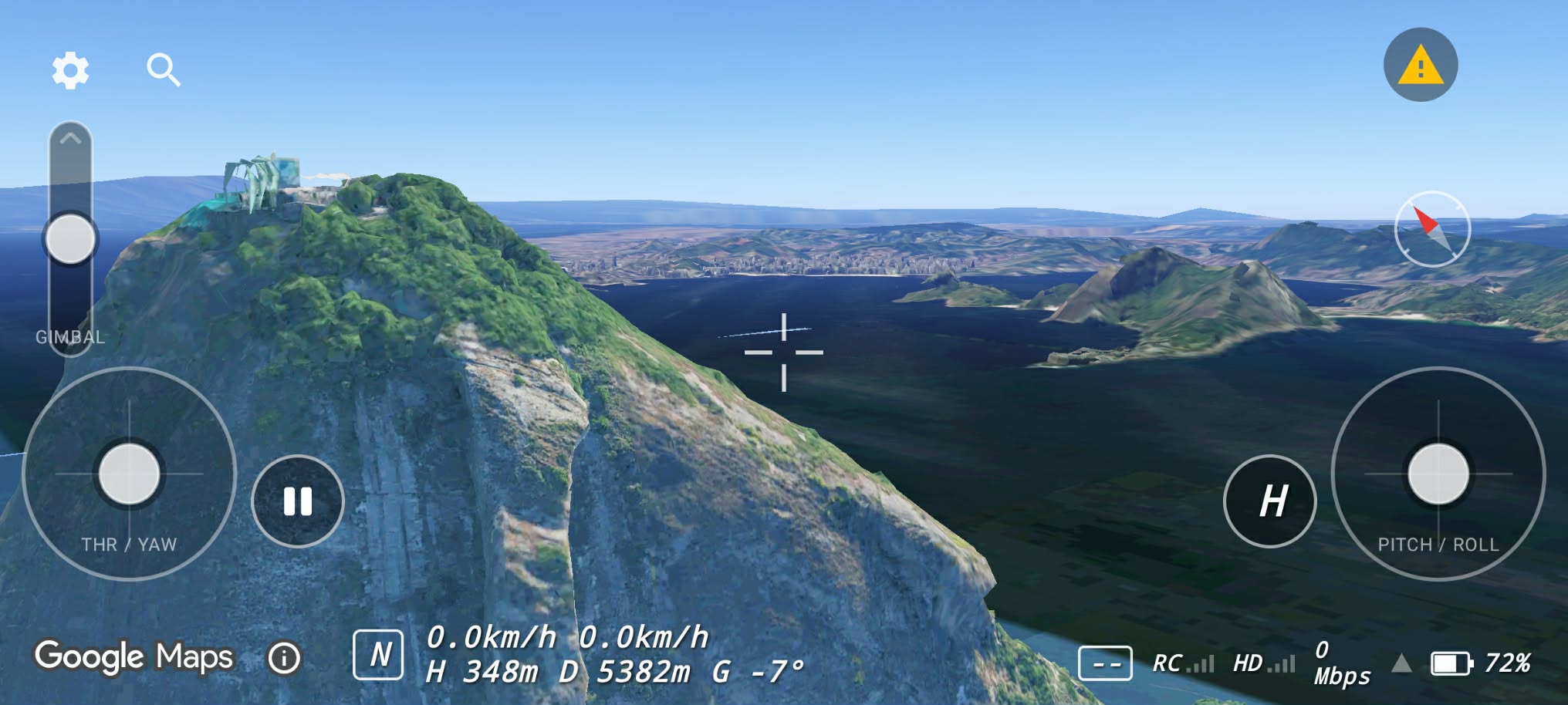
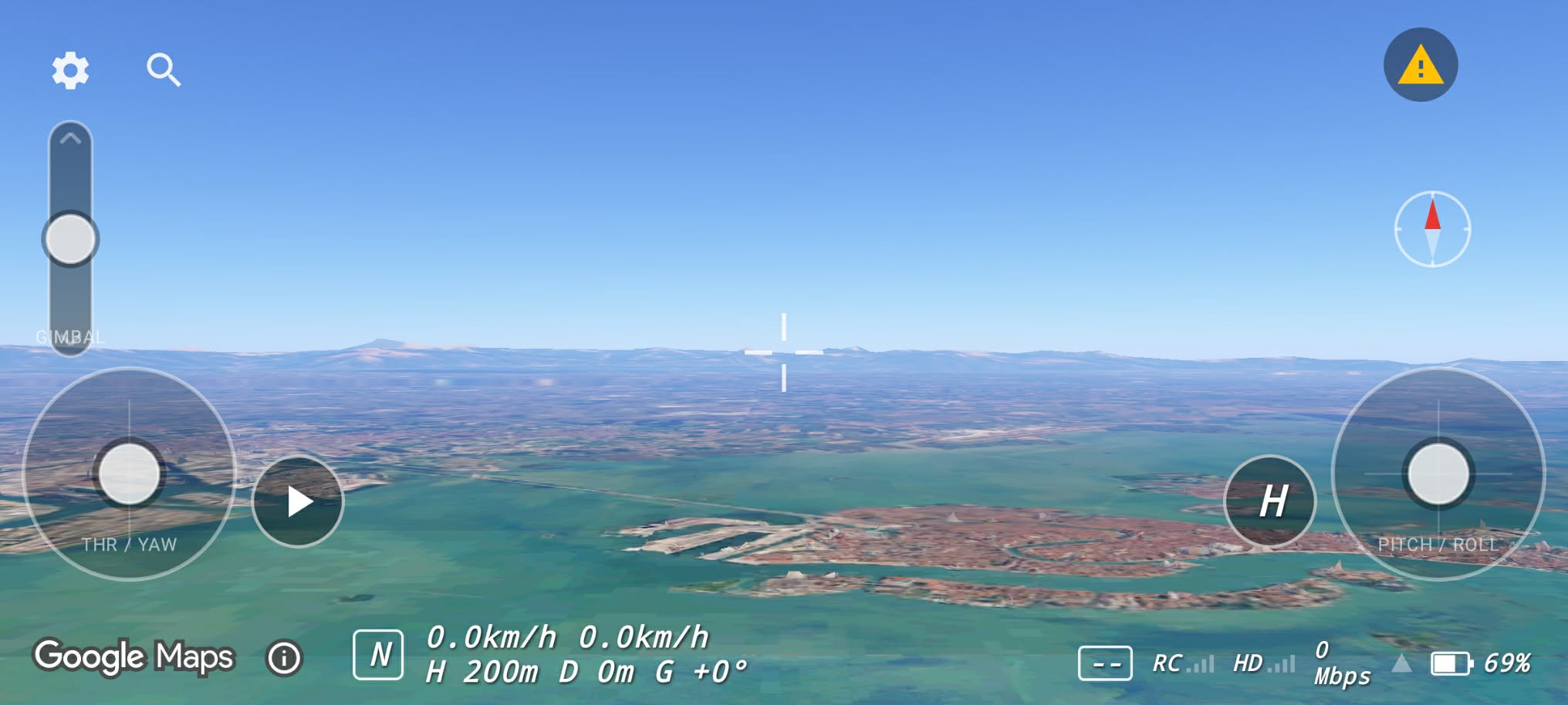
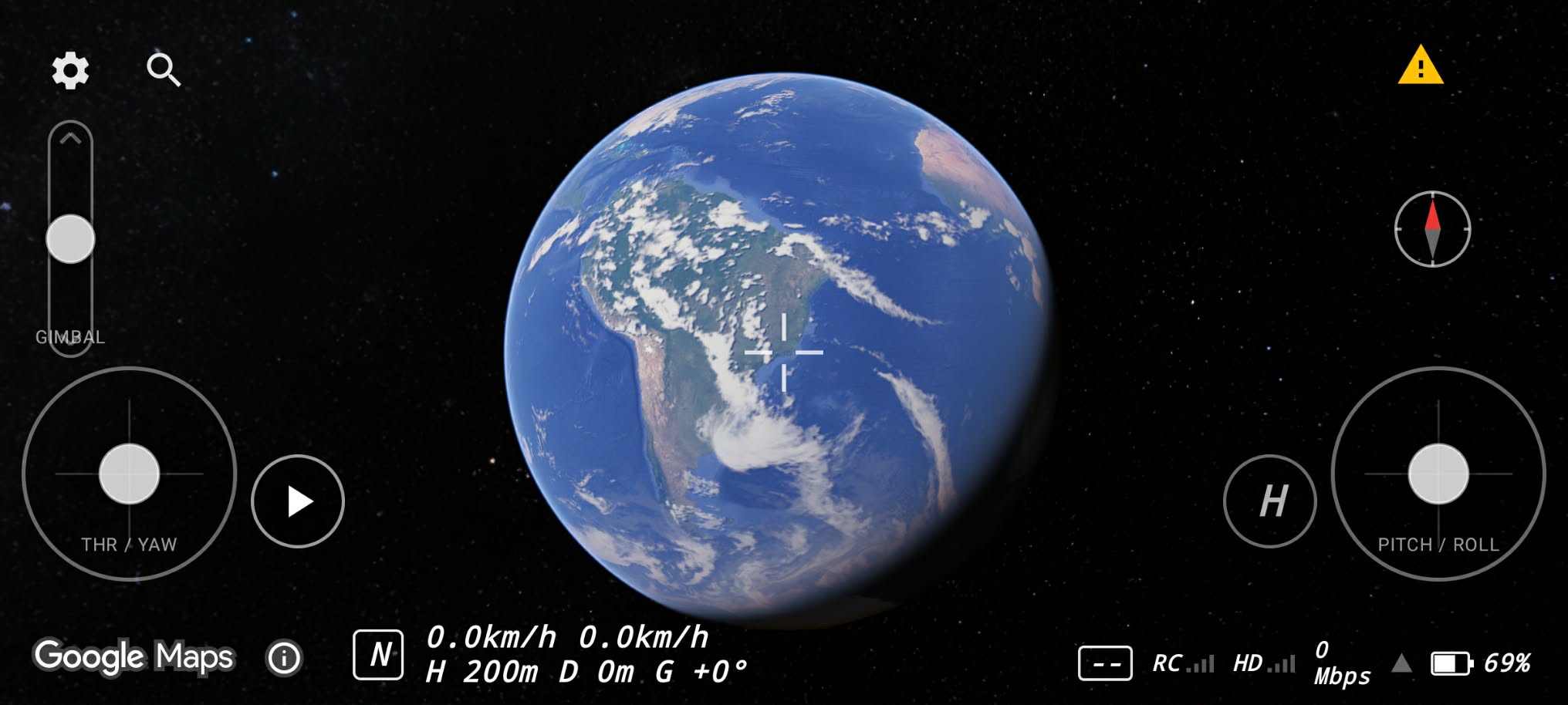
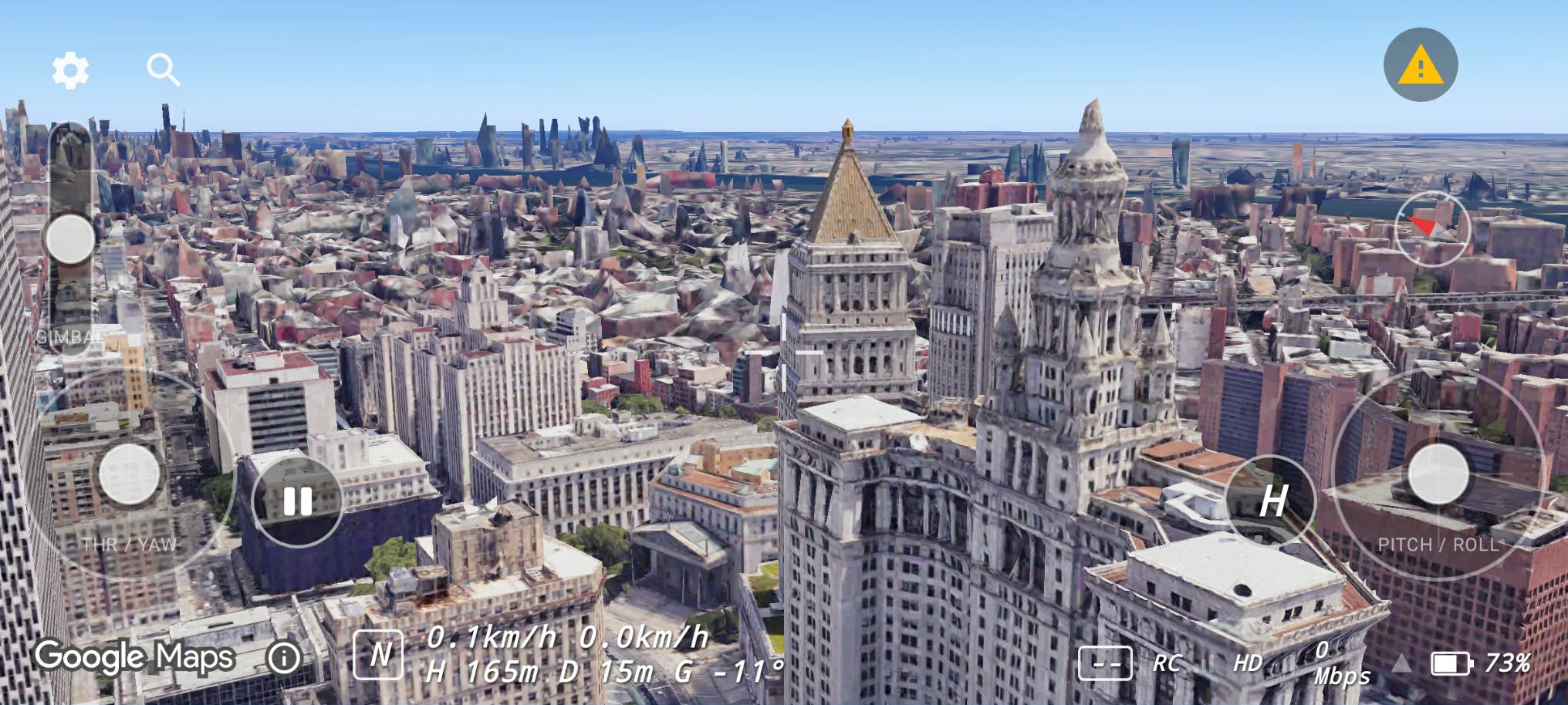
Google Maps 3D renders real buildings, terrain and coastlines beneath the virtual drone. The map is the home screen — not a flat backdrop.
An FPV-goggle-inspired HUD keeps horizon ladder, altitude, speed, heading, battery and link health in view while you fly.
Angle mode with self-levelling, spring-centred sticks and throttle-centre hover. Switch to Sport feel from the HUD when you are ready.
Drop pins, draw ground routes and areas, save flight plans and jump between shots. Export and import plans as portable JSON.
Guided stick calibration, deadzone, expo, invert, sensitivity and per-controller profiles. Your RC, your feel.
Screenshots
Captured on Android with an Avata 2 and RC 3 connected over USB-C — no aircraft, no post-production.
How it works
Plug a supported remote — the DJI FPV Remote Controller 3 today — into your phone with a USB-C OTG cable. Grant the USB permission once and tap Connect.
FPV Map starts on Google’s 3D map. Search for a place or anchor to your current location, then arm the simulator when you are ready.
Both sticks self-centre, so throttle centre means hover. Use the RC shutter to grab a map photo or record a flight clip.
Compatibility
FPV Map starts with the DJI Avata 2 and RC 3 so the input path can be proven on real hardware instead of assumed from a spec sheet. Support widens as each controller is tested.
Test with no powered aircraft connected.
FPV Map only reads the controller. It never sends commands to an aircraft and never flashes firmware.
Real-hardware validation is ongoing across phones and controllers. Do not assume your setup is supported until we confirm it.

Android · Available now on Google Play
FPV Map is published and available for download. Install it from Google Play, plug in your DJI FPV Remote Controller 3, and fly over the real world.
Free to download. Every feature works signed out; an optional account adds plan sync and share links. See our Privacy Policy.