
Build a shot from an idea
Capture the result
Photo and video capture, clean capture view, and what is not saved.
FPV Map can capture a map photo, record the screen as video, and hide the HUD for a clean frame. These are media captures, separate from the planning data saved in a shot.
Photo capture
Tap the on-screen shutter, or short-press the RC 3 shutter. The app captures the current screen with PixelCopy and saves a JPEG to the device's media store. Because it captures what is on screen, the HUD is included unless you hide it first.
Video capture
Switch the shutter to VIDEO, then tap to start and stop. Video uses Android's MediaProjection screen recording in a foreground service, so Android asks for screen-capture consent the first time. The recording is the whole display, saved as an MP4 in the media store.
Hold the shutter, or tap the PHOTO / VIDEO label, to switch modes. The HUD label shows REC while recording.
Clean capture view
More map tools → Clean capture view hides the whole HUD but keeps the live map. Double-tap the map to restore it. Use this when you want a clean reference frame or a recording without telemetry.
What is not captured
- The shot's start/end poses and instructions are not embedded in the photo or video.
- The app does not export an edited video or a rendered camera path.
- There is no automatic upload of captures, diagnostics or controller data.
Document the idea, not just the file
A photo or clip is a reference. The reusable part is the written shot: subject, start frame, movement, end frame and risks. Save the media for review, but put the decisions in the shot and the brief.
Why this works
Separating media from planning data keeps the workflow honest. A video shows what the sim looked like; a shot records what you intended. On site, the intention is what the team can adapt.
Common mistakes
- Recording with the HUD on and wishing it were clean. Toggle Clean capture view first.
- Assuming the video is a rendered fly-through. It is a screen recording of the live app.
- Forgetting the shot's poses. Capture the start and end in the shot bar before leaving the view.
Related guides
About the screenshots
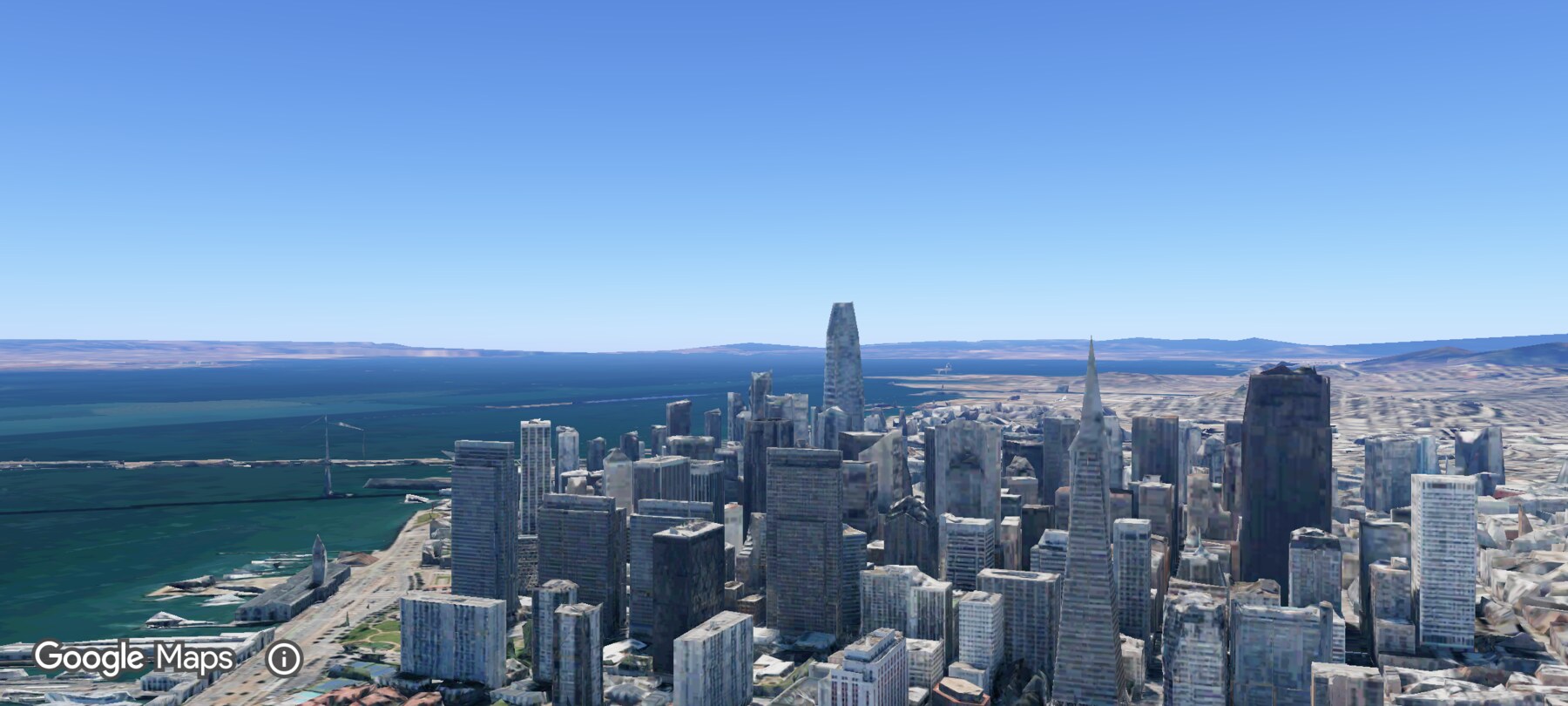
Every screenshot and demo in this documentation was captured in FPV Map over the Transamerica Pyramid and the Financial District, San Francisco.
FPV Map is a simulator. It never sends commands to an aircraft, and virtual rehearsal is not a substitute for legal checks, a site survey or safe piloting.
Found a mistake or something that no longer matches the app? Report it.