
Learn the controls
Normal versus Sport
What changes when you tap the mode badge, and when to use each.
Normal and Sport share the same self-levelling, altitude-hold behaviour. Sport simply responds faster and allows a larger tilt.
What changes
| Normal | Sport | |
|---|---|---|
| Stick response | Docile | Quicker |
| Maximum tilt | Lower | Higher |
| Self-levelling | Yes | Yes |
| Altitude hold | Yes | Yes |
| Centre throttle | Hover | Hover |
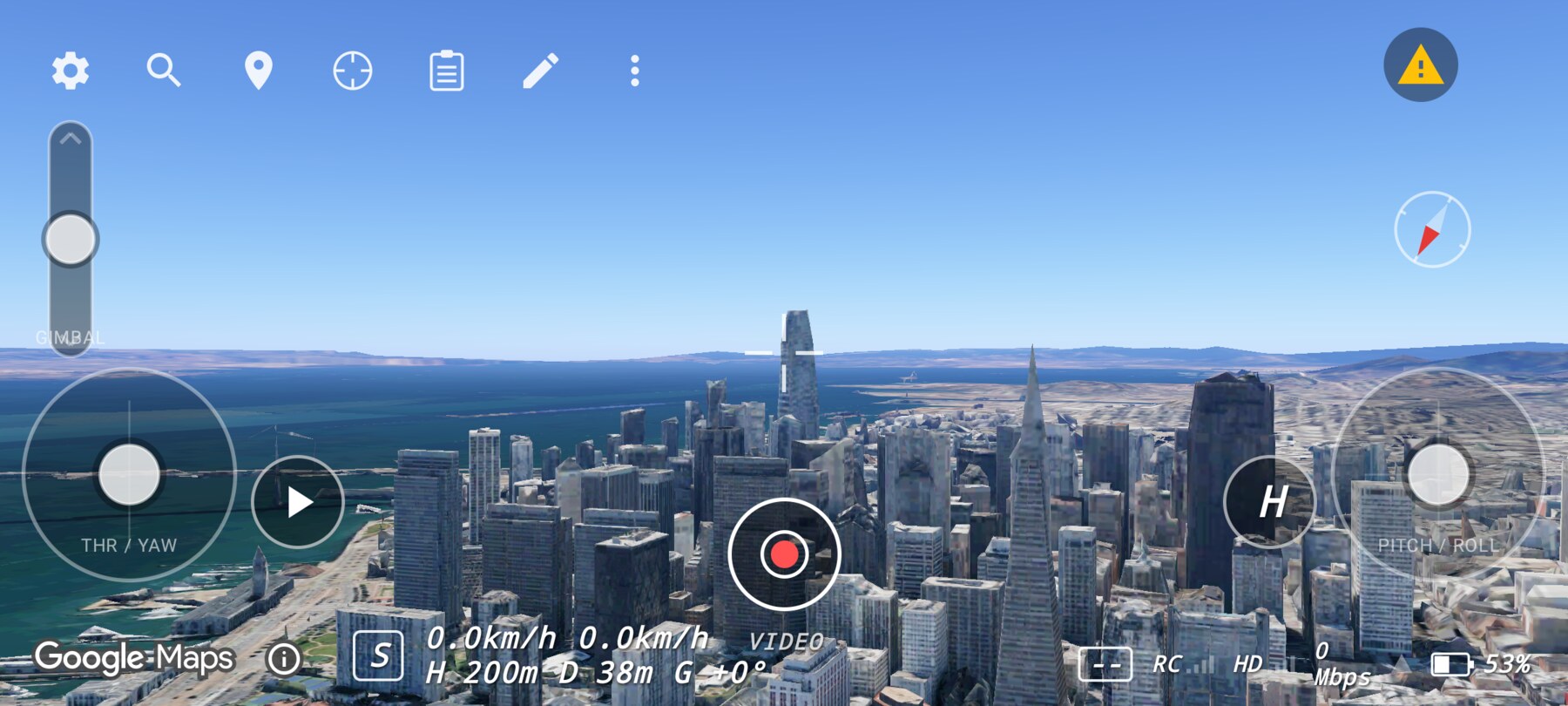
How to switch
Tap the N/S badge in the bottom-left corner of the HUD. The change is immediate. If Manual is selected, the first tap returns to Normal; it does not jump straight to Sport.
Which one should you use?
- Learning: Normal. Smaller responses make it easier to see cause and effect.
- Exploring a city: Sport when you need to cover ground or fight a headwind.
- Precise framing: Normal. The slower response is easier to feather.
- Energetic B-roll: Sport, once the move is already rehearsed in Normal.
Rehearse in Normal, perform in Sport
Why this works
Changing rates without changing the control model keeps the mental model intact. You are not relearning which stick does what — only how much of it to use.
Common mistakes
- Assuming Sport changes altitude behaviour. It does not; only rates and tilt change.
- Switching mid-move. The position and attitude are preserved, but the response changes instantly; finish the move or pause first.
- Using Sport to “fix” wind. There is only a gentle simulated drift; Sport is not a wind compensation mode.
Try it yourself
Fly the same two-second forward move in both modes and compare the stopping distance. Success is being able to predict which mode you are in from the feel alone.
Related guides
About the screenshots
Every screenshot and demo in this documentation was captured in FPV Map over the Transamerica Pyramid and the Financial District, San Francisco.
FPV Map is a simulator. It never sends commands to an aircraft, and virtual rehearsal is not a substitute for legal checks, a site survey or safe piloting.
Found a mistake or something that no longer matches the app? Report it.